Blame the user
- 'They didn't read'
- 'They should have known'
- 'It's intuitive if you try'
- Train users with onboarding
- Add explanations to UI
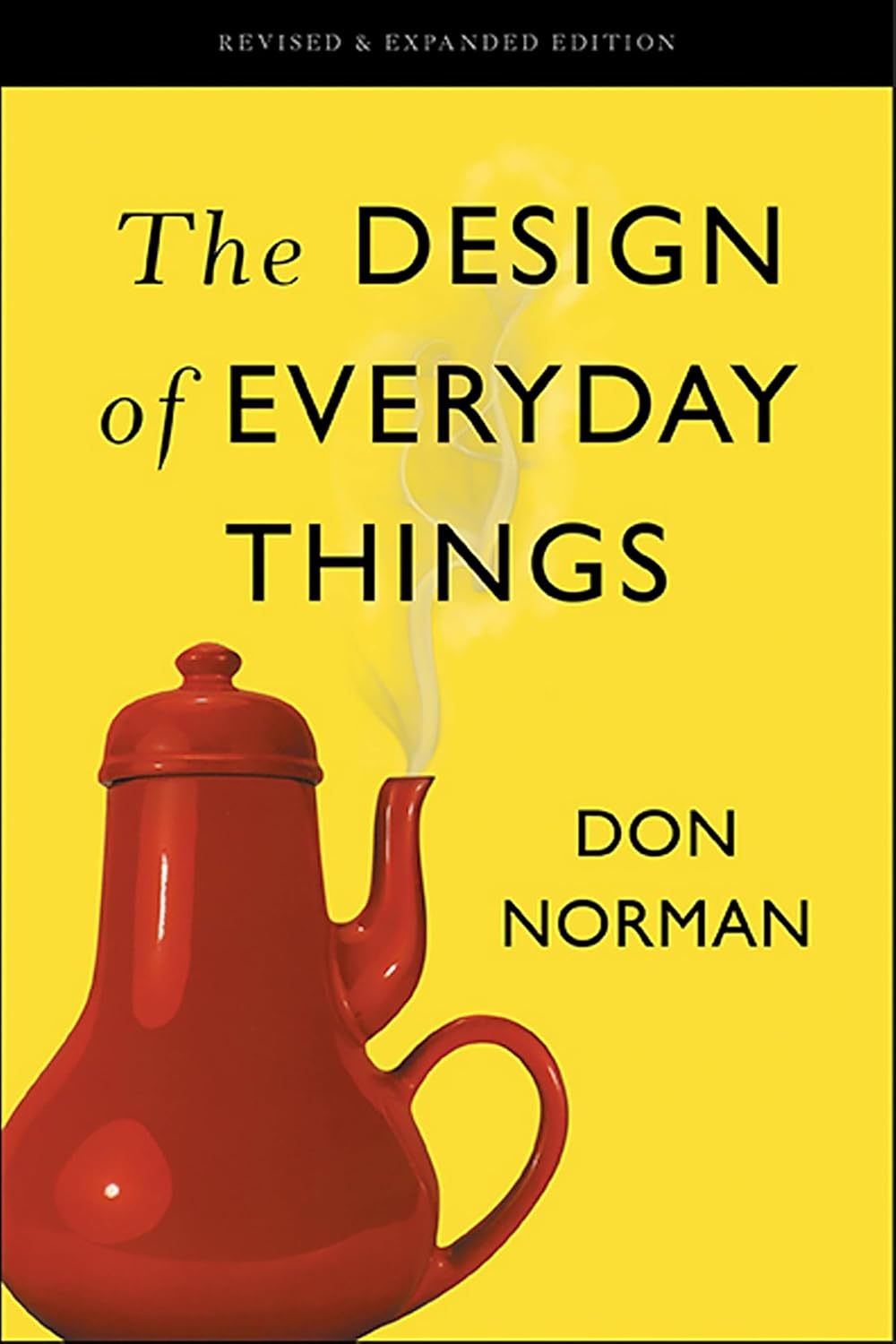
Product
by Don Norman
Source book · ~5h read
Pairing
The Design of Everyday Things is paired with the Product stage — build the right thing first; then build it right.
Working draft
This summary is an early draft, still being checked for accuracy against the source. Treat it as a work in progress — not a verified reference — until this notice is removed.
The argument
Don Norman argues that most usability problems aren't user errors — they're design failures masquerading as user errors. When a door has a 'pull' handle but actually pushes, when a stove has burner controls that don't map to burner positions, when an interface labels actions ambiguously — the design has failed, not the user. Norman names the principles that make objects usable: affordances, signifiers, mappings, feedback, and conceptual models. Once you can see them, you can't unsee them.
At a glance
The hook
When the user gets confused, your design has failed — not their attention.
Most first-time founders blame the user for confusion at least once per week. 'They didn't read the label.' 'They missed the announcement.' 'They should have figured out the menu.' Norman's contribution is making this self-deception visible. Every 'user error' is design feedback if you're willing to receive it.
For founders building product, this book gives you a language. Affordances (what an object suggests it can do). Signifiers (the cues that communicate that). Mappings (how the controls relate to the outcomes). Feedback (the response that confirms an action happened). When you can name what's missing, you can fix it. When you can't, you keep adding features that compound the confusion.
5 takeaways
01 / 05 — Affordances and signifiers
Use ← → keys, or swipe on mobile
Pick one screen of your product where users frequently get stuck or contact support. Be honest — the one you keep meaning to fix but haven't.
Now audit it through Norman's five lenses:
Affordances — what does each element afford? Click? Drag? Type? Is that obvious from looking?
Signifiers — what visible cues tell the user what's clickable, draggable, etc.? Are conventions used (button shapes, link colors) or violated?
Mappings — do controls map naturally to outcomes? If you turn this dial, does the change happen where you expect?
Feedback — when the user takes action, does the system respond visibly within 100ms? Loading state? Confirmation? Error?
Conceptual model — does the screen suggest a mental model that matches what's actually happening? Or does the user have to learn an arbitrary model?
For each lens that scores 'no,' you have a specific design fix. Pick the highest-impact one. Fix it this week. The cost of fixing a Norman-level design issue is almost always less than the support cost of leaving it broken.
Read
Share